
Developer tool
Case study
active · Selected build
Herdr Switchboard
A fast Rust control surface for moving between projects, launching AI agents, reviewing Git, inspecting ports, and focusing terminal work.

- Status
- active
- Latest release
- v3.0.0
- Last activity
- 3 Sep 2026
- License
- MIT
- rust
Inside the workflow
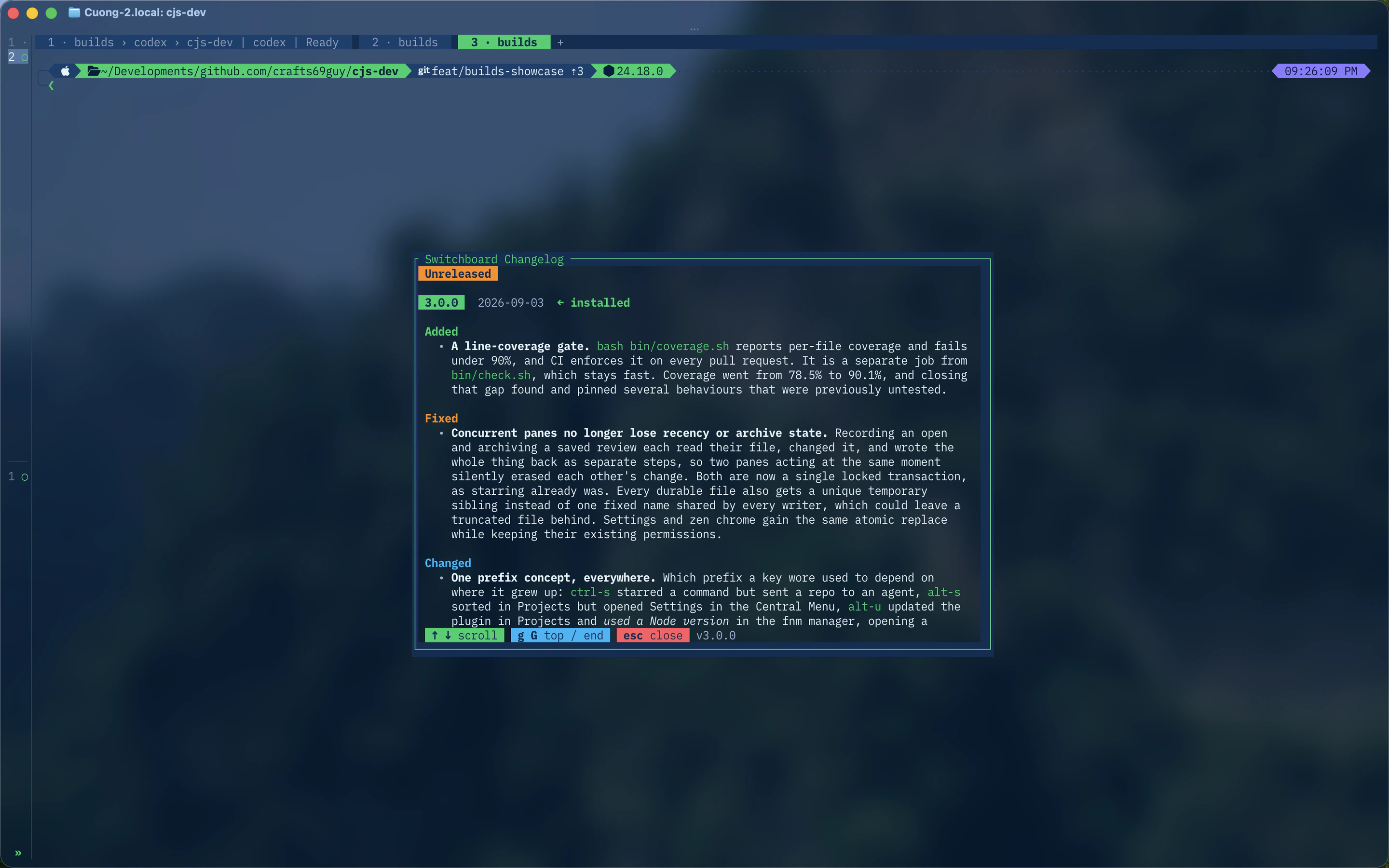
02 views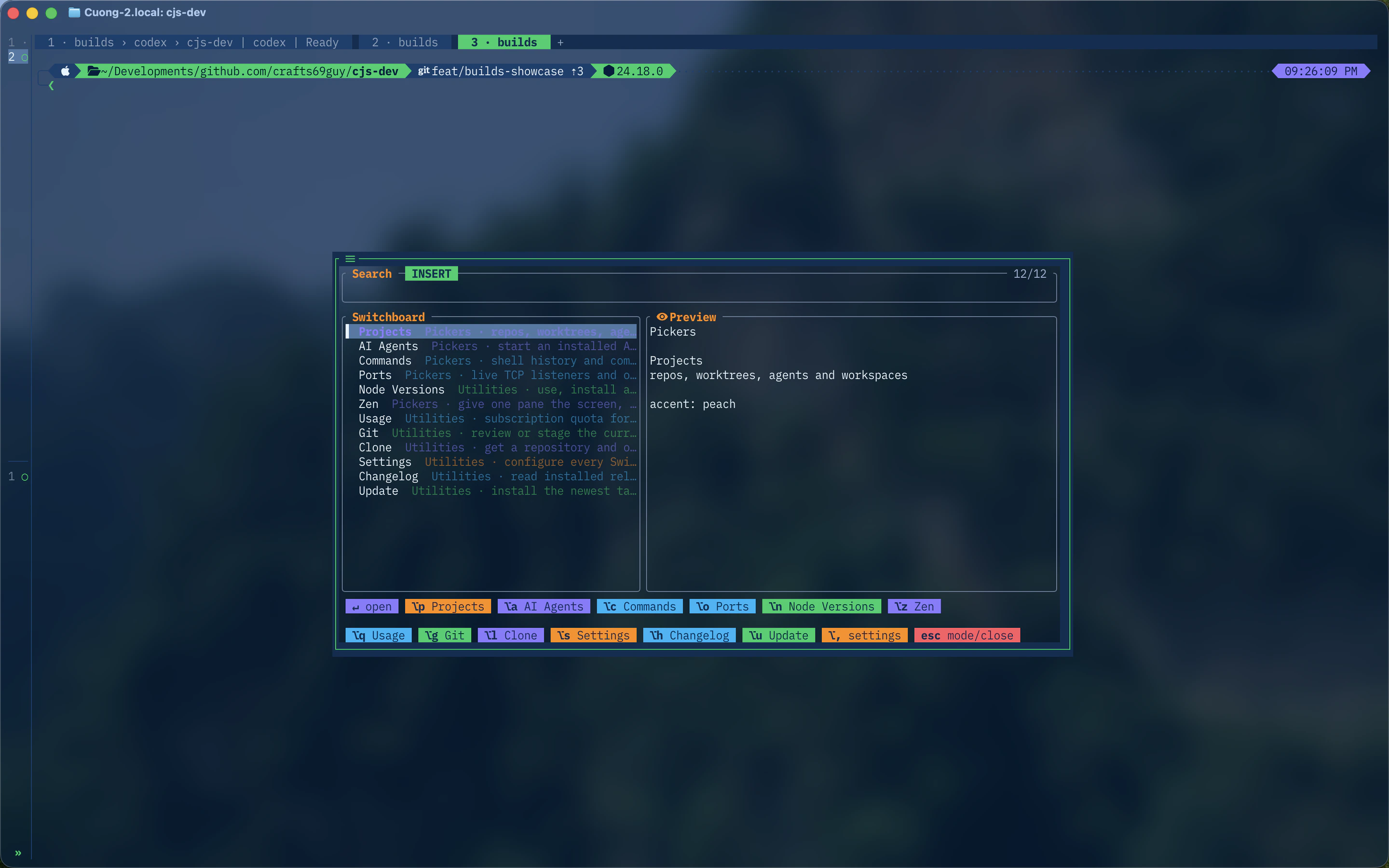
Why I built it
My terminal workflow spans repositories, worktrees, agent panes, command history, ports, and code review. Each piece had a tool, but moving between them cost attention. Switchboard puts those actions behind one consistent, searchable surface inside Herdr.
The system
Switchboard is a Rust TUI built with Ratatui and Nucleo. It understands Herdr’s live agents, workspaces, tabs, panes, and linked worktrees rather than treating every result as a path.
Its surfaces cover project navigation, installed AI integrations, subscription usage, commands, TCP listeners, Node versions, Git review, and a focused Zen layout. Wide panes show context, navigation, and an inspector; compact panes progressively remove secondary information without changing the selected state.
Decisions that matter
- A chord has the same meaning across pickers and input modes.
- Slow or networked data loads without blocking locally available results.
- Settings are drafted and validated before they are applied.
- Repository removal and process signals require typed confirmation.
- A process is revalidated by PID and start identity before TERM or KILL is sent.
What it demonstrates
Switchboard combines systems programming with interaction design. The interesting work is not simply rendering a list quickly; it is preserving context, predictable input, and safety while one terminal surface coordinates several external tools.