
Theme plugin
Case study
active · Selected build
Hue for Inkdrop
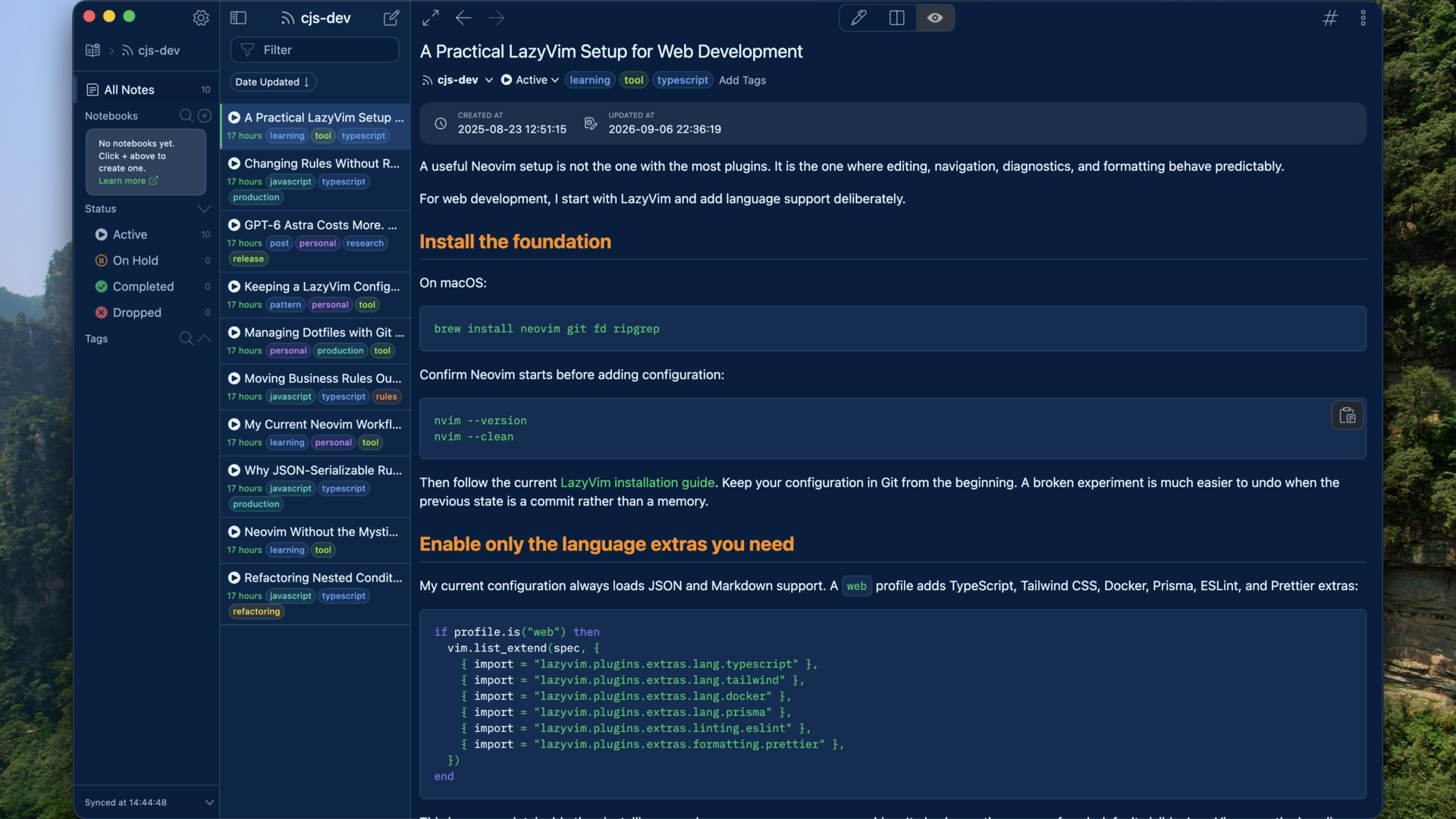
Three unified Inkdrop v6 themes that carry Huế-inspired color across the app, editor, Markdown preview, syntax, and diagrams.
- Status
- active
- Last activity
- 4 Sep 2026
- Verified host
- Inkdrop 6.1.4
- Registry downloads
- 142
- Snapshot
- 7 Sep 2026
- License
- MIT
- typescript
Verified distribution
Published packages
3 themes · 142 downloads
| Package | Version | Downloads |
|---|---|---|
| hue-mua-theme | 0.6.2 | 49 |
| hue-huong-theme | 0.6.2 | 51 |
| hue-cung-theme | 0.6.2 | 42 |
Installed on Inkdrop 6.1.4 formacOS; registry counts verified 7 Sep 2026.
Inside the workflow
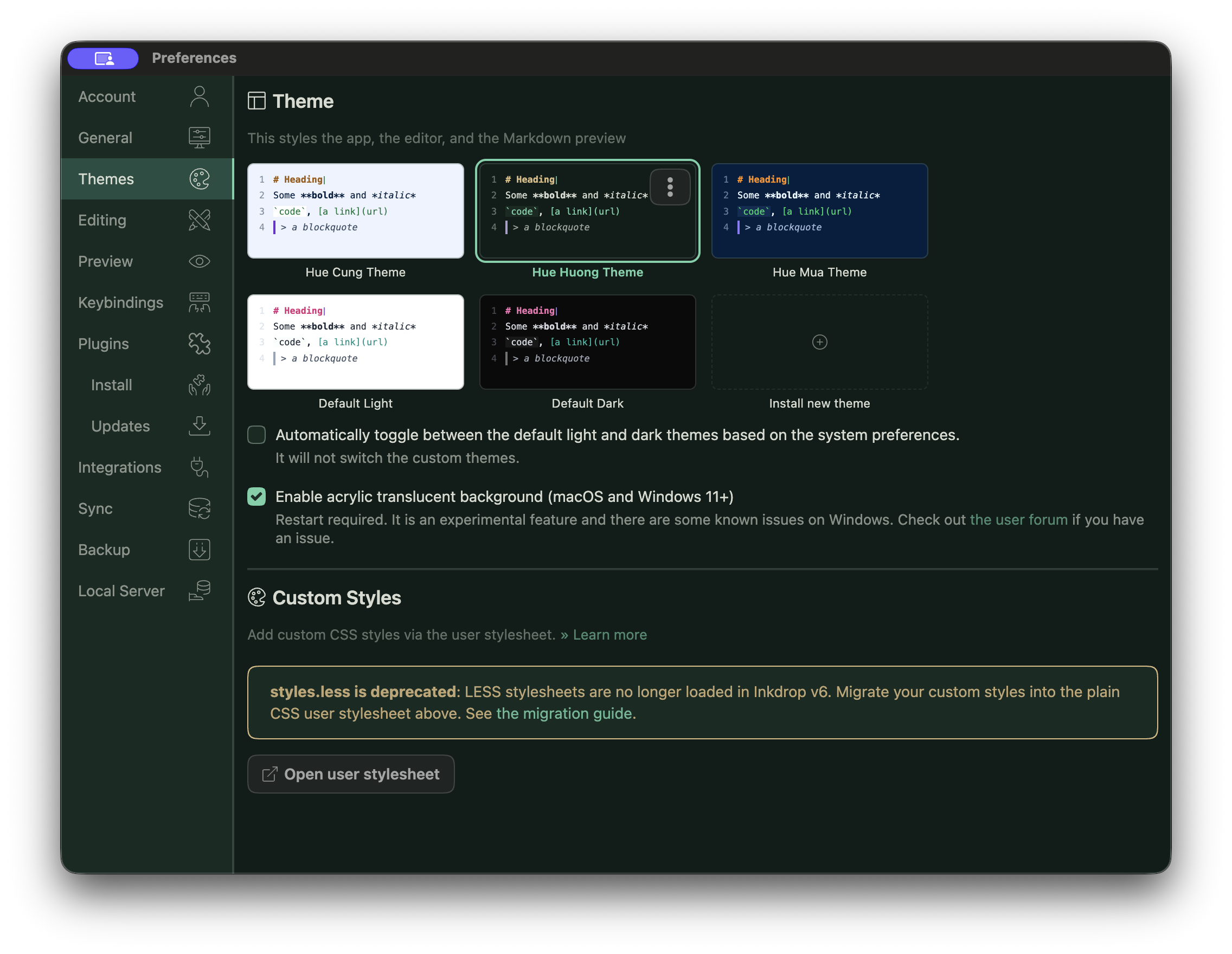
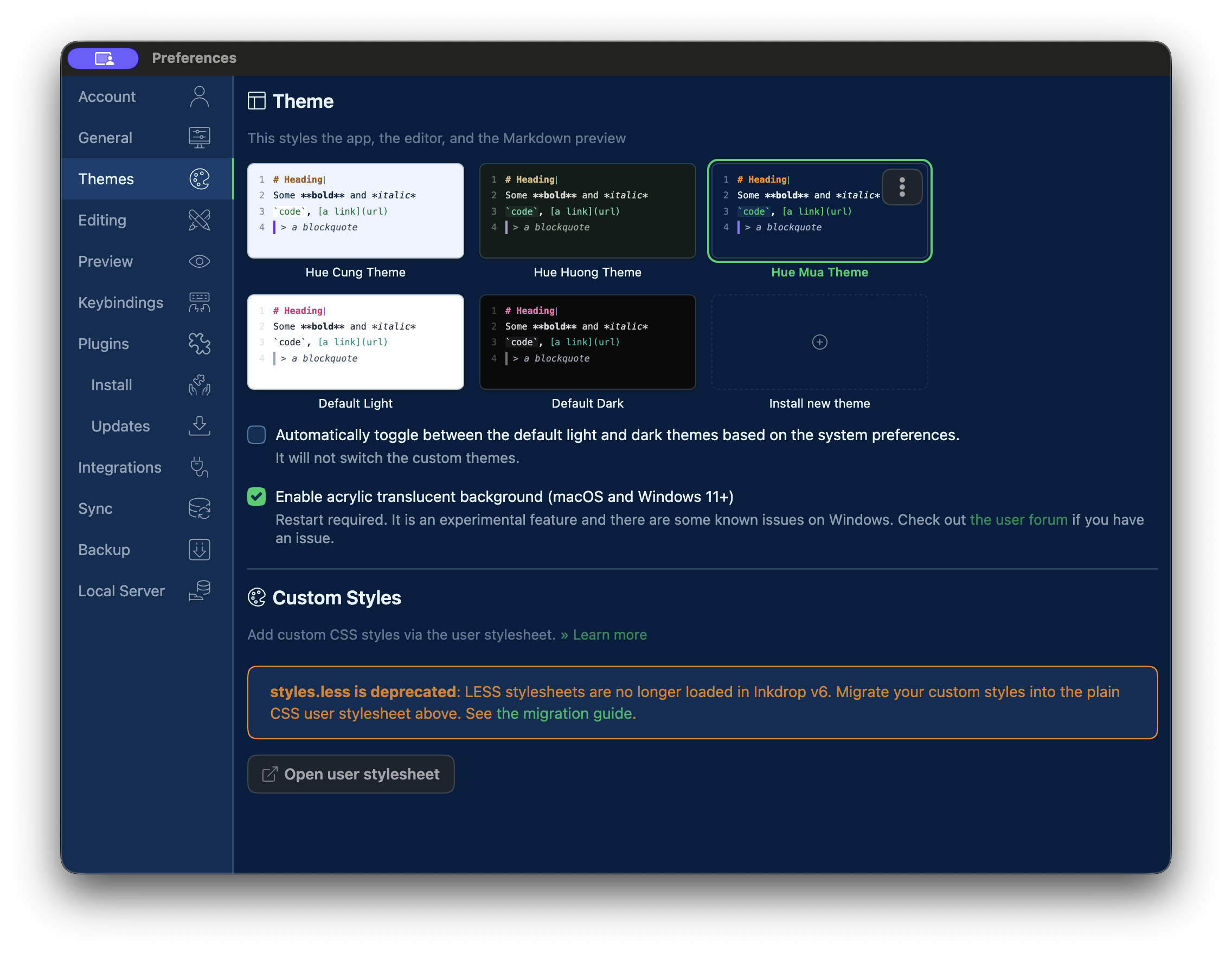
03 views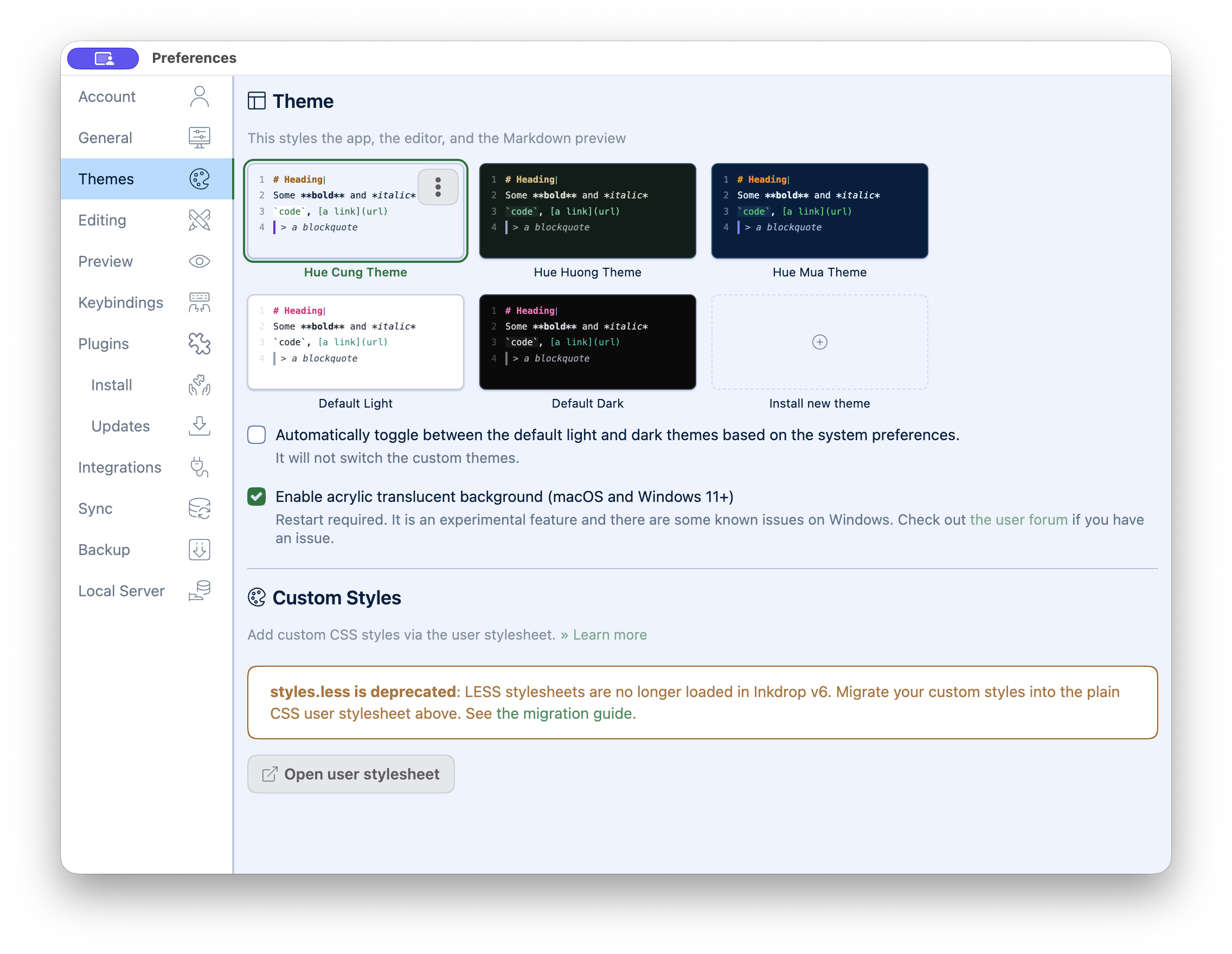
Why I built it
Writing themes often stop at the editor. The surrounding app, rendered preview, code blocks, diagrams, and translucent surfaces then drift into unrelated palettes. Hue for Inkdrop treats the whole writing environment as one system.
The system
Three registry packages deliver Mưa, Hương, and Cung as unified Inkdrop v6 themes. A TypeScript adapter reads the shared Hue token contract and generates the palette plus four stylesheets for UI, syntax, preview, and editor behavior.
The same semantic roles reach the sidebar, note list, CodeMirror editor, Markdown preview, GitHub-style alerts, Mermaid diagrams, and scrollbars. Acrylic translucency remains optional and keeps readable surfaces more opaque than the surrounding chrome.
Decisions that matter
- Each mood is independently installable because Inkdrop selects one theme package at a time.
- Generated CSS is never edited by hand; fixes start in tokens or the adapter.
- Inkdrop-specific states reuse semantic roles instead of introducing another palette.
- Light and dark appearances are declared explicitly for native theme behavior.
What it demonstrates
The useful result is not three screenshots with different colors. It is one contract surviving across writing, editing, previewing, diagrams, and app navigation without those surfaces drifting apart.