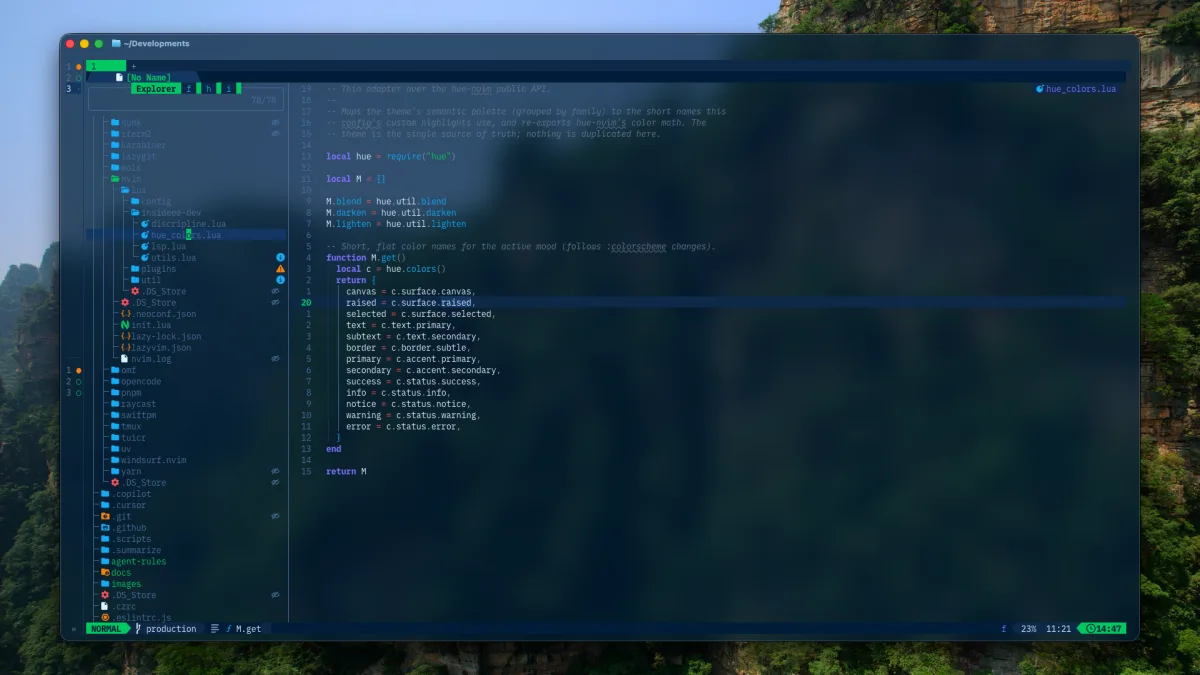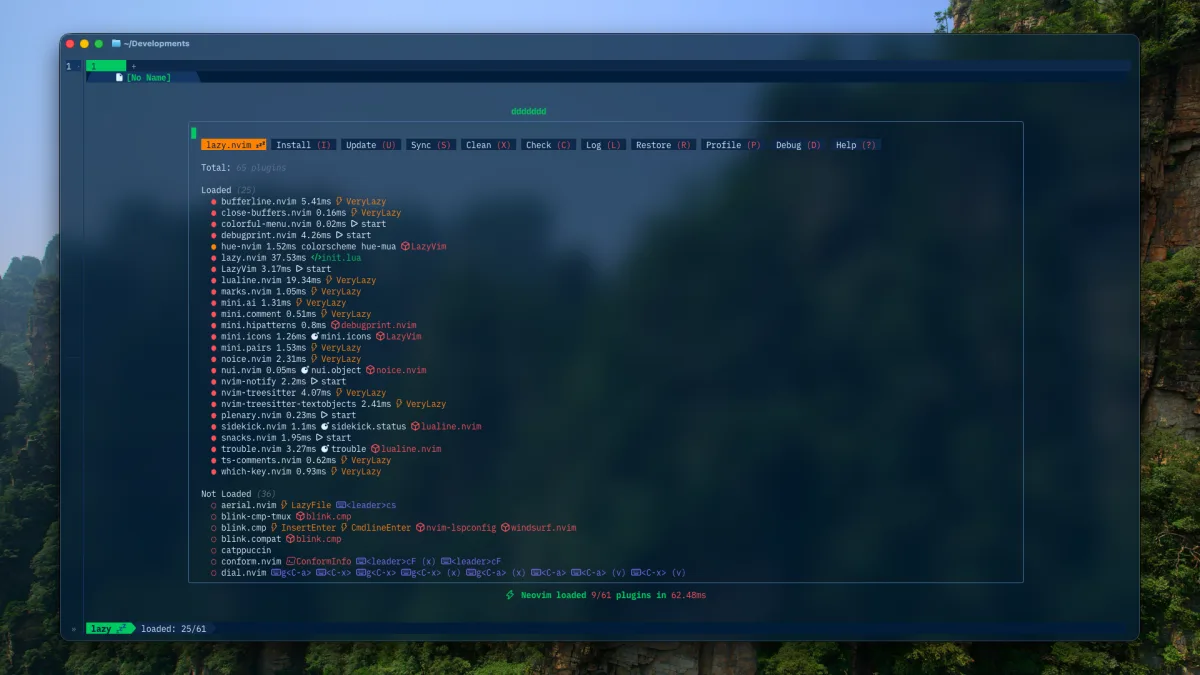
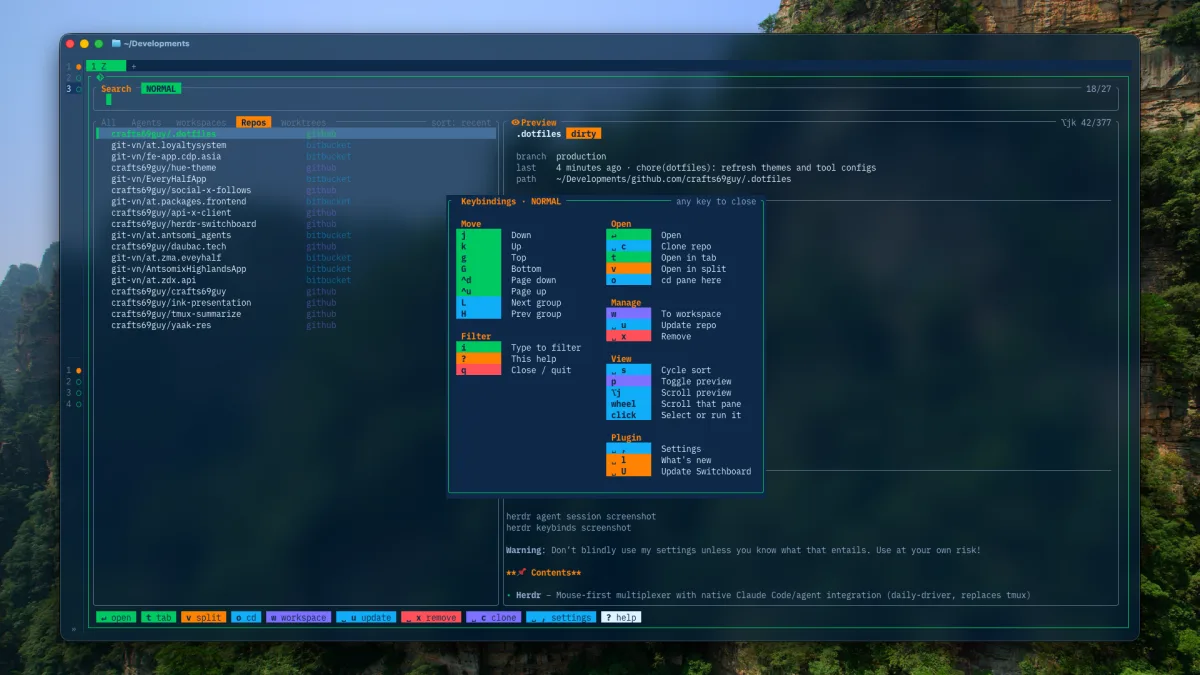
Dotfiles begin as a few hidden files in a home directory. Over time they become a record of how a machine works: shell behavior, editor settings, Git defaults, terminal themes, and small automation scripts.
Git gives that history a home. GNU Stow turns files in a repository into symlinks at the paths applications expect. The Dotfiles build notes show how that model expands into a reproducible daily toolchain.
The basic model
Suppose a repository contains:
.dotfiles/└── .config/ ├── fish/ └── nvim/Running Stow from the repository creates links under the target directory, normally the parent of the repository. The files stay versioned in .dotfiles; applications read them through ~/.config.
My repository uses a single package rooted at ~/.dotfiles:
cd ~/.dotfilesstow -Rv .The -R option restows the package, and -v shows what changes. Before applying an unfamiliar repository, use simulation mode:
stow -nRv .Read the output. Do not blindly replace existing configuration.
Adopt existing files carefully
If ~/.config/nvim already exists, Stow may report a conflict. Back it up first:
mv ~/.config/nvim ~/.config/nvim.before-stowThen restow and compare the old files deliberately. GNU Stow also has an --adopt option, but it moves existing files into the package. That is powerful and easy to misuse. Run it only with a clean Git worktree so the resulting diff shows exactly what was adopted.
Keep local state out of Git
A dotfiles repository should describe configuration, not every changing value on a machine.
My current Hue theme switcher stores the active mood under ~/.local/state/hue-theme/current. The current Neovim workflow keeps language profile selection in its own state directory too. Secrets, caches, plugin downloads, generated histories, and machine credentials stay outside the repository.
For host differences, prefer small OS-specific files or environment variables over copying the entire configuration. The repository currently separates Fish configuration for macOS, Linux, and Windows.
Update as a transaction
A calm update loop looks like this:
cd ~/.dotfilesgit status --shortgit pull --ff-onlystow -nRv .stow -Rv .Check the worktree before pulling because local configuration is easy to edit accidentally through a symlink. Commit intentional changes first.
My stow_setup.sh also verifies shared agent rules, checks generated Hue integrations, rebuilds Bat’s theme cache when needed, and configures Tide. Those steps are specific to this repository; plain Stow does not manage generated assets or application caches.
Rollback stays understandable
To remove the managed links without deleting the repository:
cd ~/.dotfilesstow -Dv .Git can restore an earlier configuration, while Stow can recreate its links. Keeping those two responsibilities separate is the reason the setup remains easy to reason about.
Source: my current dotfiles, GNU Stow manual.