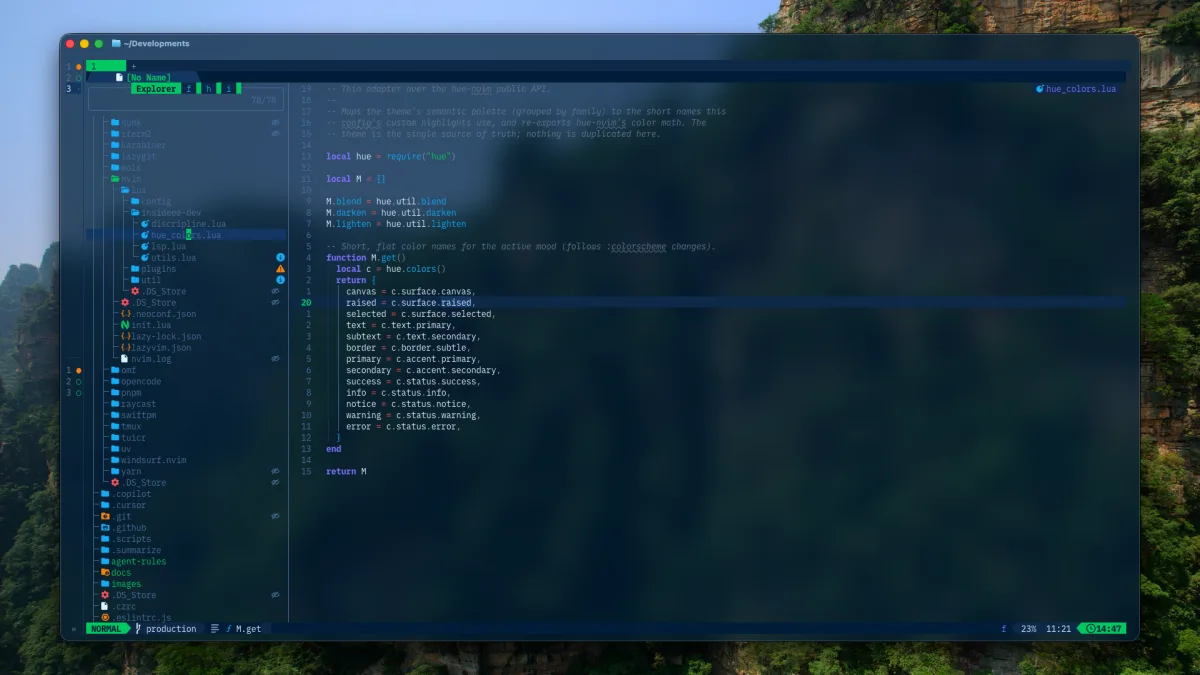
Editor configurations age quickly. Plugin names change, defaults move, and the workflow that looked good in a screenshot may not survive daily use.
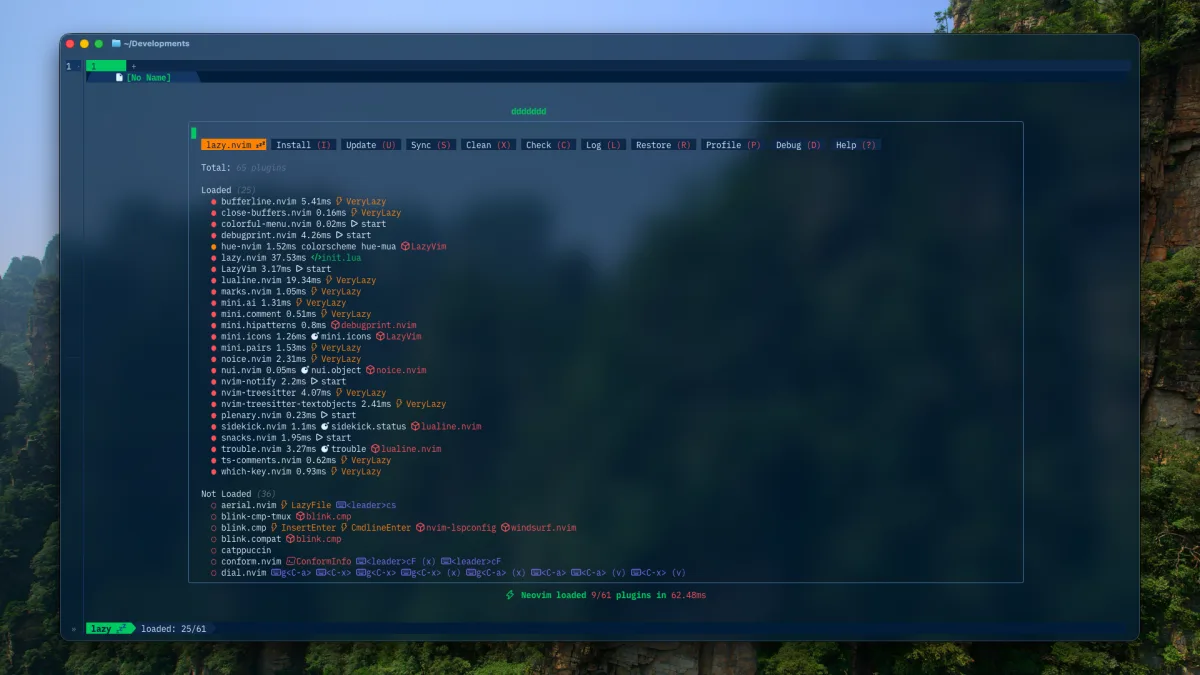
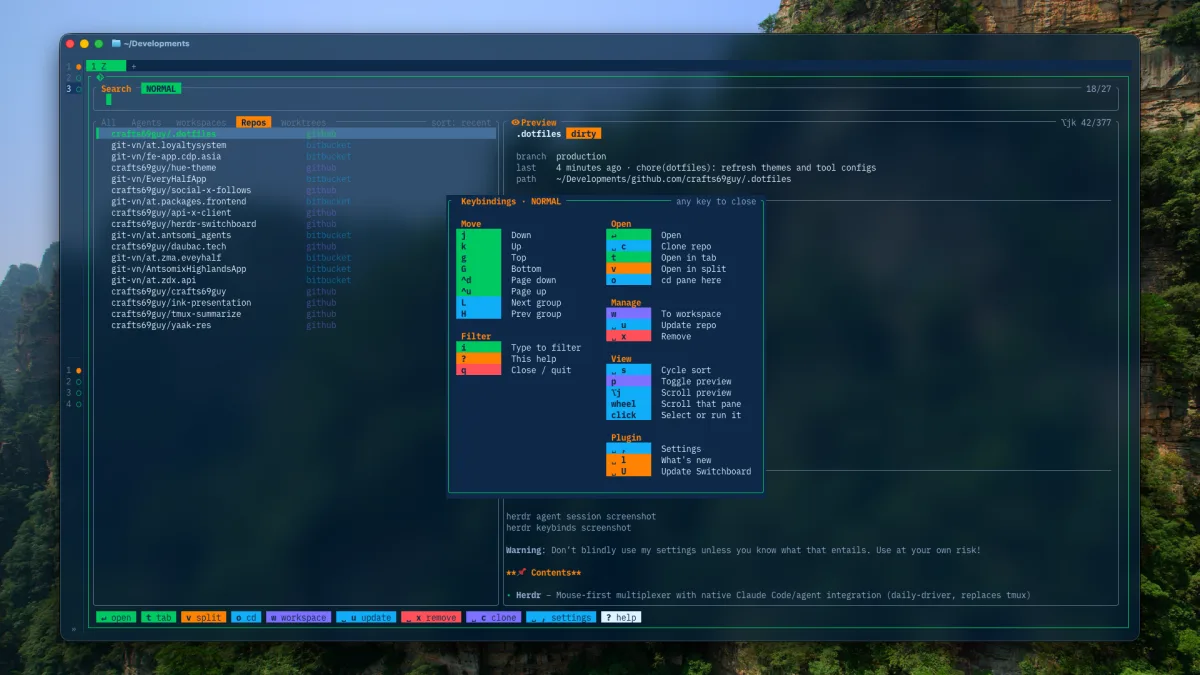
This is the shape of my current Neovim setup, verified against the production branch of my dotfiles in September 2026. The configuration follows the small-override and explicit-ownership approach.
Pick a language profile
The first decision is not a colorscheme. It is the kind of project I am opening.
The :Profile command selects core, web, go, or rust. Core covers Lua, shell, JSON, YAML, and Markdown. Other profiles enable their own LazyVim extras and use separate Mason and Treesitter data directories.
That keeps the editor’s base consistent while preventing every machine from accumulating every tool.
Navigate with Snacks
Snacks now owns the high-frequency paths:
<leader>eopens the explorer;<leader>fffinds files from the project root;<leader>fgsearches Git-tracked files;;rgreps from the current working directory;\\opens the buffer picker;gdandgruse LSP definition and reference pickers;<C-/>toggles a terminal.
Neo-tree is disabled, and Telescope is no longer the center of the setup. One picker system means fewer overlapping mappings and a more consistent preview interface.
Complete with Blink
Blink combines LSP, paths, snippets, buffer words, and tmux sources. Signature help and documentation use bordered windows; <C-y> accepts the selected item.
AI completion is optional rather than fused into the core completion path. The ai.lua and windsurf.lua specs can extend the setup, but editing and language intelligence still work without an AI provider.
That is an important boundary. Completion should degrade gracefully when a network service is unavailable.
Keep language tools explicit
Mason installs shared tools such as Stylua, Luacheck, ShellCheck, and shfmt. Profile-specific servers are added only when relevant. LSP inlay hints are disabled globally, while Lua keeps a restrained set of parameter hints.
Formatting is handled by Conform. Web formats come from LazyVim’s Prettier extra; Lua uses Stylua. I prefer a clear formatter owner over an invisible chain of LSP fallbacks.
Small tools that survived
A few plugins continue to earn their place:
- inc-rename for live rename feedback;
- mini.bracketed for structured next/previous navigation;
- Dial for numbers, dates, booleans, semantic versions, and
let/const; - Outline for a symbol view;
- debugprint for temporary logging with a cleanup command;
- nvim-highlight-colors for CSS and Tailwind color context.
The list matters less than the filter: each tool solves friction I can name.
The full configuration lives in crafts69guy/.dotfiles. It will change again. This article records the decisions, not a promise that every plugin will remain forever.