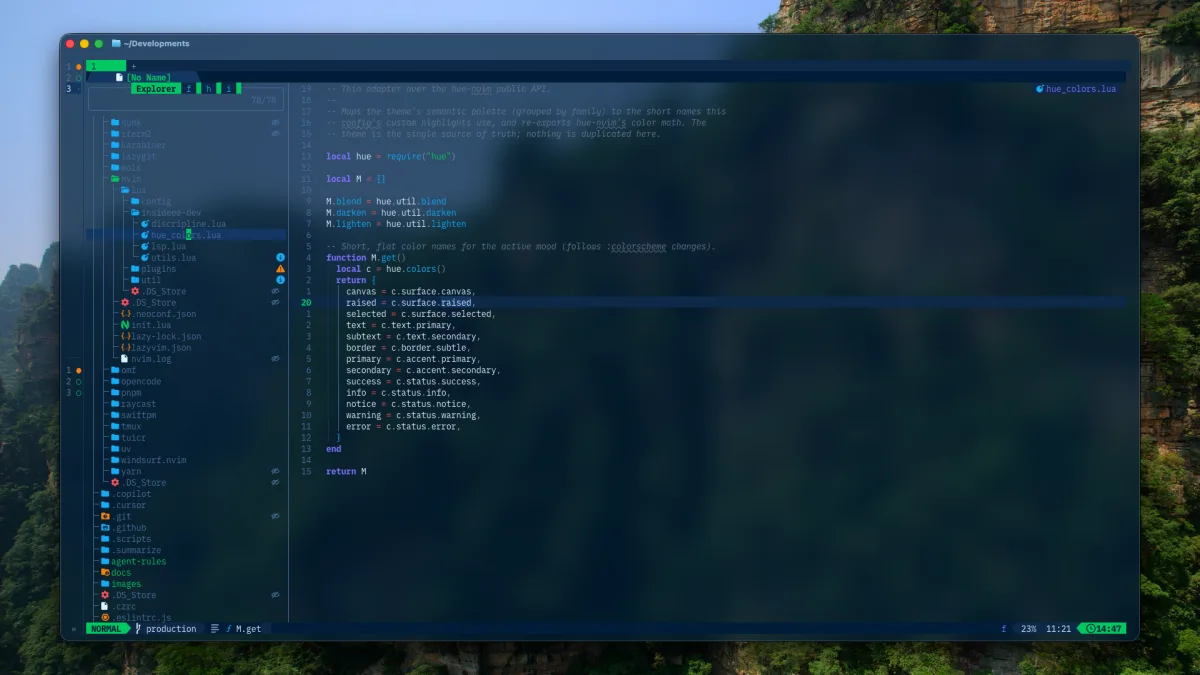

Neovim is a programmable text editor with Vim’s editing model and a modern Lua-based configuration ecosystem. That description is accurate, but it can make the editor sound like a project you must finish before writing code.
You do not need to build an editor from scratch. You need a small editing vocabulary, a way to inspect problems, and permission to leave the rest alone.
Learn the editing model first
Vim-style editing is modal:
- Normal mode is for navigation and commands.
- Insert mode is for entering text.
- Visual mode is for selecting text.
- Command-line mode is for editor commands.
The first useful loop is small: open a file, move with h, j, k, and l, press i to edit, press Esc to return to Normal mode, then write with :w.
Add motions as you need them. w moves by word, 0 and $ move to line boundaries, gg and G move to the start and end of a file. Operators combine with motions: dw deletes a word, while ci" changes text inside quotes.
This composability matters more than memorizing a large keymap.
Start with a distribution if you want an IDE
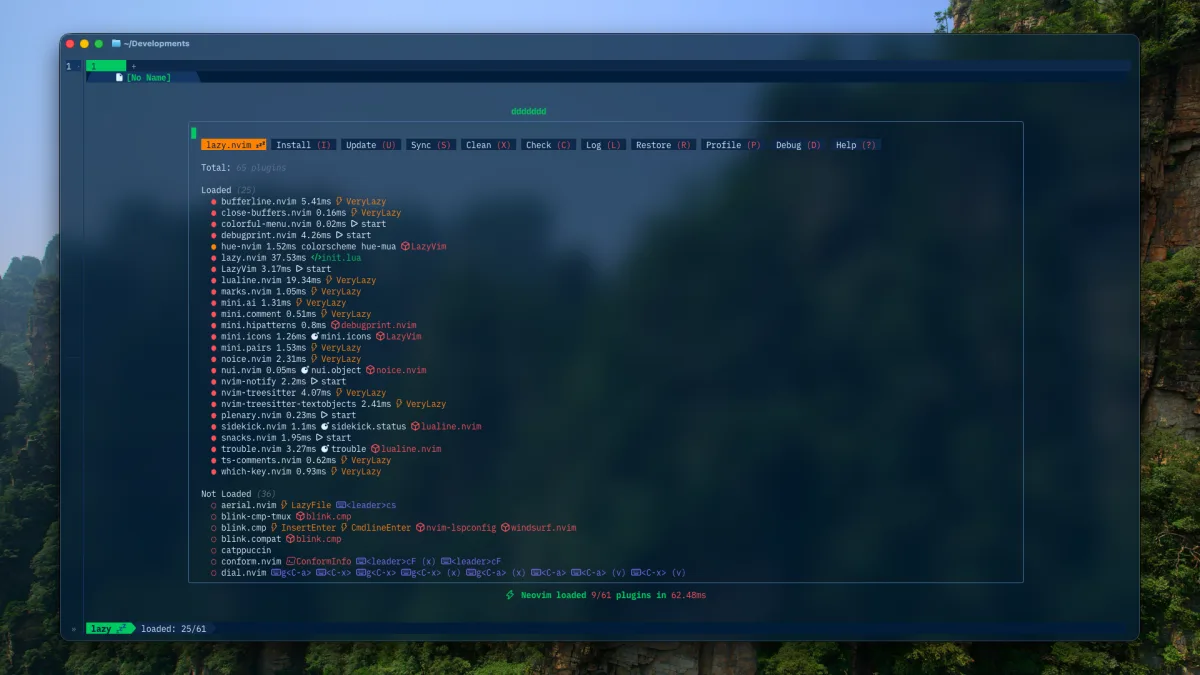
A plain Neovim installation is intentionally sparse. A distribution such as LazyVim provides sensible defaults for completion, language servers, formatting, search, and plugin management.
That gives beginners a working environment and a real configuration to inspect. The trade-off is another layer of conventions. When a key behaves unexpectedly, check LazyVim’s mapping before assuming Neovim itself is broken.
Keep the configuration boring
A healthy first configuration answers only a few questions:
- Which languages do I work in?
- Which formatter should run for each file type?
- How do I find files, search text, and inspect diagnostics?
- Which keymaps are important enough to customize?
- How can I reproduce this setup on another machine?
Add plugins to solve repeated friction, not to copy a screenshot. Every plugin creates another update and compatibility surface.
Know the repair tools
Three commands cover a surprising amount of debugging:
:checkhealth:Lazy:LspInfoUse :messages after an error and :verbose map <key> to find who defined a mapping. Run Neovim without your configuration when isolating startup issues:
nvim --cleanThe goal is not a perfect editor. It is an editor you can understand well enough to repair.
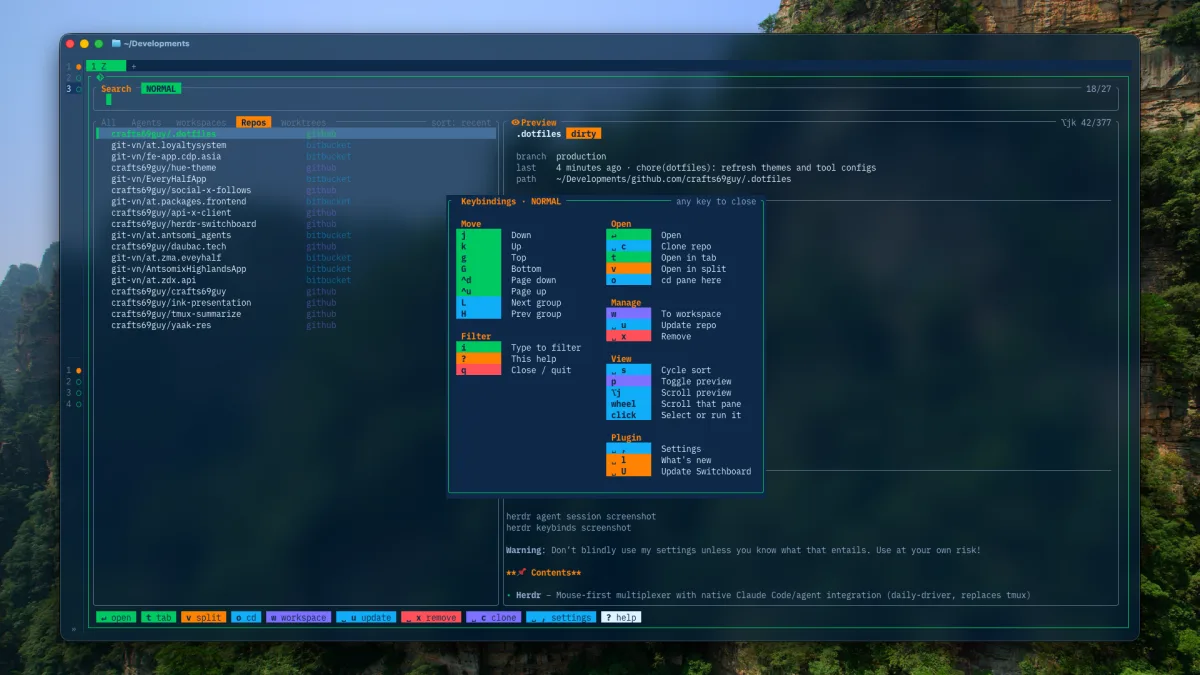
My current Neovim workflow still uses LazyVim, but it has changed repeatedly: Telescope and Neo-tree gave way to Snacks, Solarized Osaka gave way to a personal Hue theme, and language tooling is now selected through profiles. That evolution is normal. A configuration should follow the work, not preserve every early choice.
Sources: Neovim documentation, my current dotfiles.