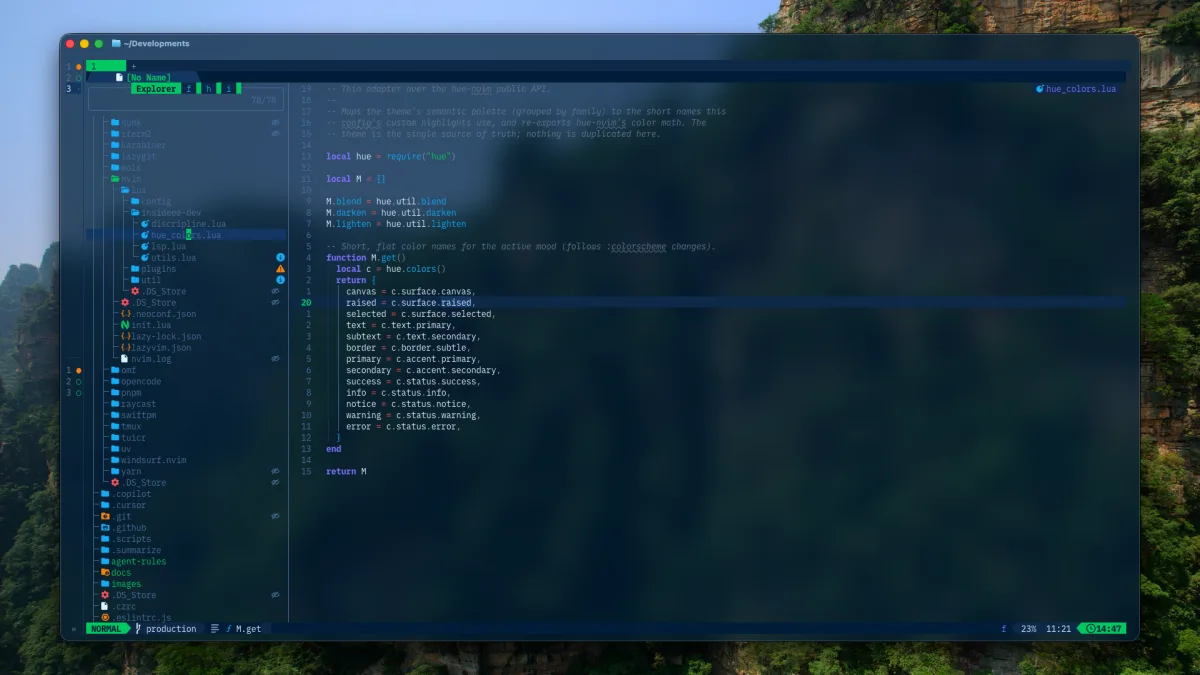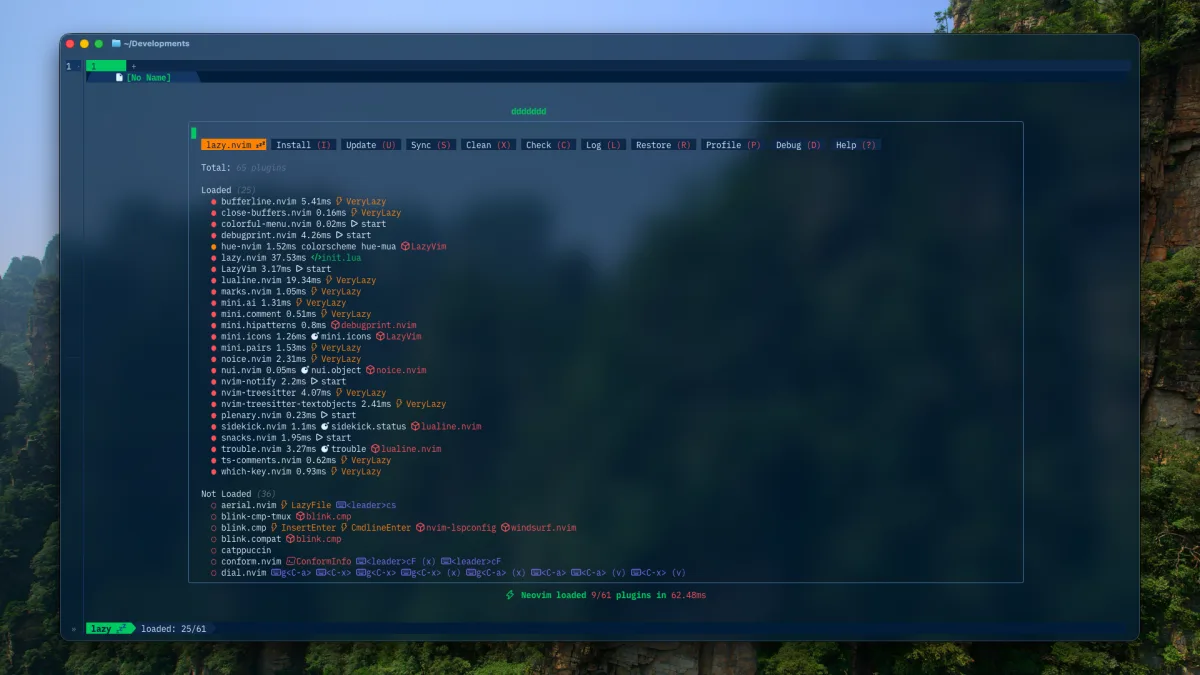
A useful Neovim setup is not the one with the most plugins. It is the one where editing, navigation, diagnostics, and formatting behave predictably.
For web development, I start with LazyVim and add language support deliberately. If modal editing is still unfamiliar, begin with Neovim without the mystique before tuning the toolchain.
Install the foundation
On macOS:
brew install neovim git fd ripgrepConfirm Neovim starts before adding configuration:
nvim --versionnvim --cleanThen follow the current LazyVim installation guide. Keep your configuration in Git from the beginning. A broken experiment is much easier to undo when the previous state is a commit rather than a memory.
Enable only the language extras you need
My current configuration always loads JSON and Markdown support. A web profile adds TypeScript, Tailwind CSS, Docker, Prisma, ESLint, and Prettier extras:
if profile.is("web") then vim.list_extend(spec, { { import = "lazyvim.plugins.extras.lang.typescript" }, { import = "lazyvim.plugins.extras.lang.tailwind" }, { import = "lazyvim.plugins.extras.lang.docker" }, { import = "lazyvim.plugins.extras.lang.prisma" }, { import = "lazyvim.plugins.extras.linting.eslint" }, { import = "lazyvim.plugins.extras.formatting.prettier" }, })endThis is more maintainable than installing every language server on every machine. It also keeps the source of each default visible: LazyVim owns the baseline; local plugin files contain only deliberate overrides.
Separate responsibilities
I keep the setup split by concern:
lua/├── config/│ ├── lazy.lua│ ├── keymaps.lua│ ├── options.lua│ └── profile.lua└── plugins/ ├── coding.lua ├── conform.lua ├── lsp.lua ├── snacks.lua └── treesitter.luaLanguage servers provide diagnostics and code intelligence. Conform owns formatting. Snacks owns file search, grep, explorer, and terminal workflows. Blink provides completion. Clear ownership prevents two plugins from fighting over the same job.
Verify one layer at a time
After enabling a language:
- open a small real project;
- run
:checkhealth; - inspect attached servers with
:LspInfo; - confirm go-to-definition and diagnostics;
- format a deliberately messy file;
- restart once and repeat.
Do not debug completion, formatting, Treesitter, and LSP at the same time. Disable layers until the failure becomes obvious.
The current configuration is available in my dotfiles. Copy ideas, not the whole directory. Your formatter choices, language mix, and keymap habits are the parts that should stay personal.