The easy part of customizing Neovim is adding a plugin. The difficult part is remembering six months later why it exists and which defaults it replaced.
My current rule is simple: keep the distribution intact, keep overrides small, and give each piece one owner. The companion practical LazyVim setup shows how that boundary works for a web profile.
Prefer extension over replacement
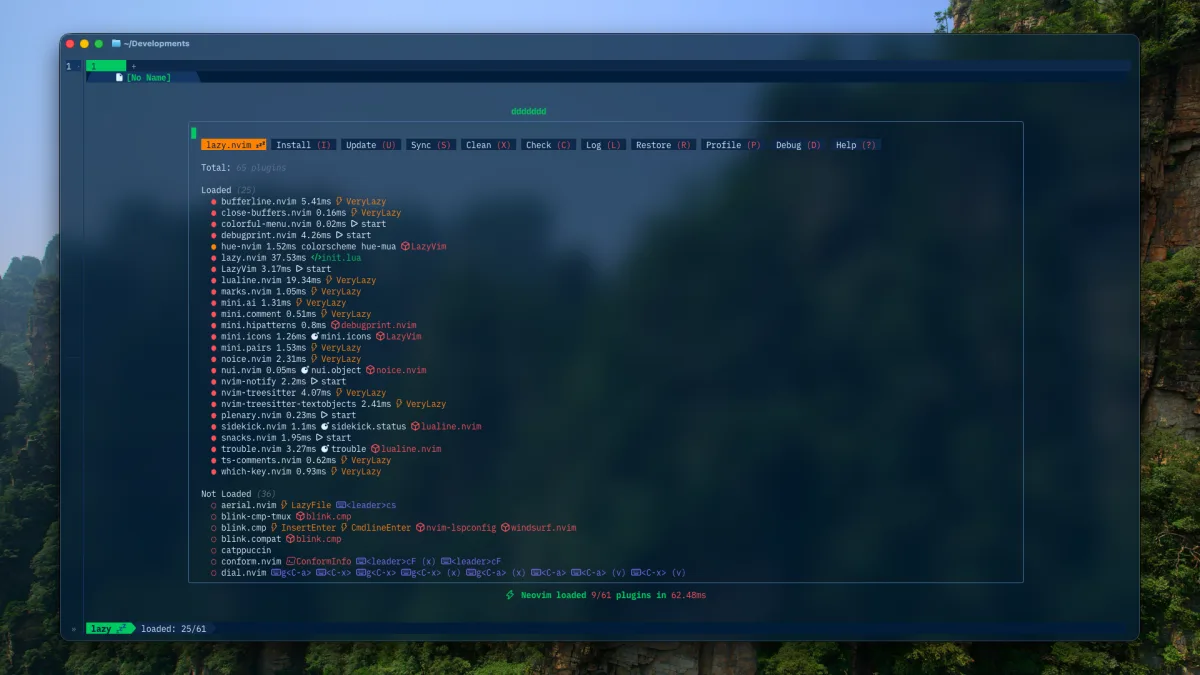
LazyVim already supplies plugin specifications, defaults, and language extras. Local files should describe the difference between that baseline and my preferences.
For example, I use Snacks as the picker and explorer, so Neo-tree is explicitly disabled:
{ "neo-tree.nvim", enabled = false,}That small declaration is clearer than carrying a second explorer configuration that is never used.
The same principle applies to formatting. LazyVim’s Prettier extra handles common web file types; my Conform override adds Stylua for Lua rather than repeating the complete formatter table.
Use profiles for expensive language tooling
I work across web, Go, Rust, Markdown, and shell projects. Loading every language extra everywhere made startup state and Mason installations harder to reason about.
The current configuration has four profiles:
local profiles = { core = { label = "Core (Lua, shell, Markdown)" }, web = { label = "Web (TypeScript, Tailwind, ESLint)" }, go = { label = "Go" }, rust = { label = "Rust" },}A :Profile command saves the selection and restarts Neovim after checking for modified buffers. Plugins are shared, while Mason and Treesitter data paths are isolated by profile. That keeps tooling focused without cloning the whole configuration.
For one-off sessions, NVIM_PROFILE can select a profile explicitly:
env NVIM_PROFILE=rust nvimLet themes be infrastructure
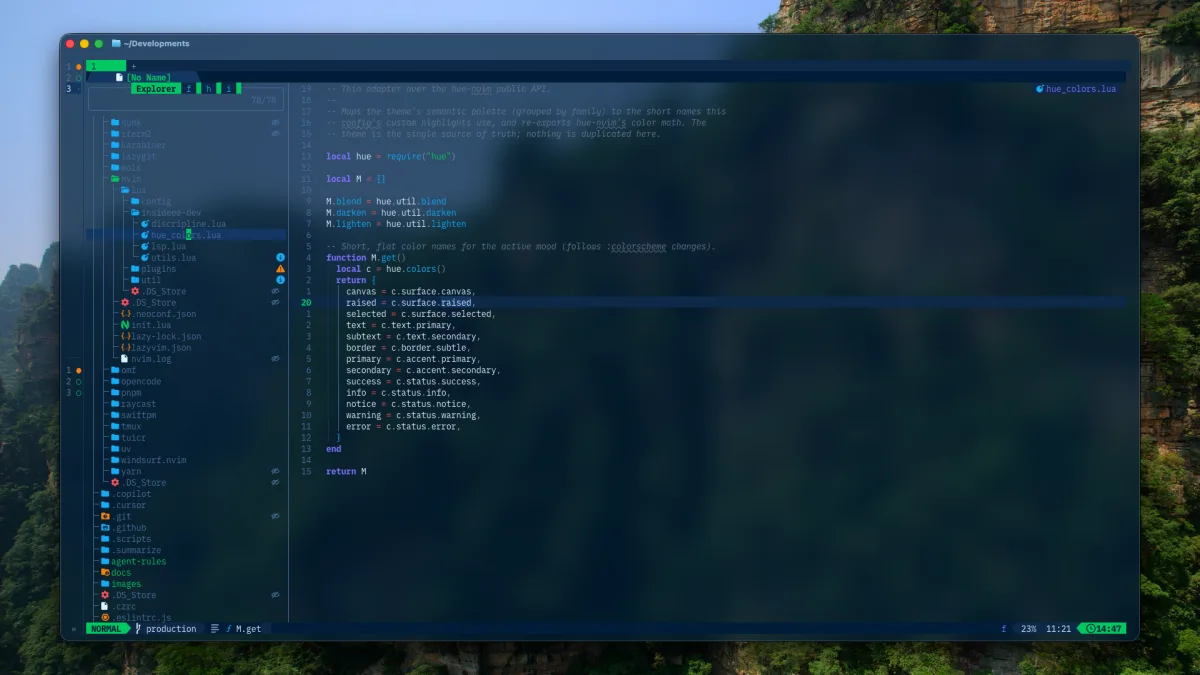
The old setup hardcoded Solarized Osaka. The current one loads crafts69guy/hue-nvim from the sibling hue-theme repository when it is available; the Hue Theme build notes explain the shared token system behind it.
The active mood—mua, huong, or cung—is stored outside Git under ~/.local/state/hue-theme/current. Switching colors does not dirty the dotfiles repository, and the same mood can be applied across Fish, Herdr, tmux, Ghostty, lazygit, and Neovim.
That separation is useful: the dotfiles define integration, the theme repository defines generated colors, and local state chooses the current mood.
Make custom behavior searchable
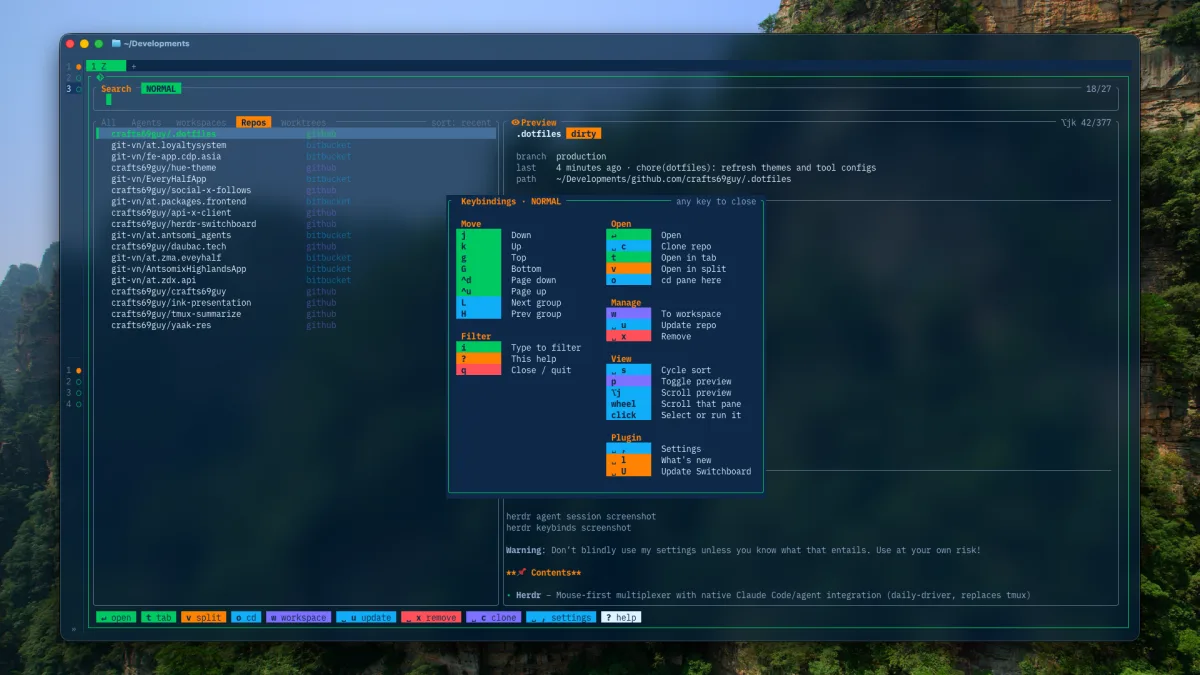
Plugin files are grouped by responsibility, custom modules live under a personal namespace, and non-obvious decisions get comments. Keymaps include descriptions so WhichKey and picker views can explain them.
When removing a plugin, search for commands, keymaps, dependencies, and module imports before deleting its spec. Configuration tends to leave small references behind.
A personal setup should feel personal at the keyboard, but boring in Git. Small files, explicit ownership, and reproducible state make experimentation cheap without making maintenance endless.
Source: current dotfiles.